You've got Bond.
Now meet your team.
A short guide to setting up, meeting your first teammates, and finding your way around.
Installing Bond
- Download Bond from our website.
- Open the Bond.dmg from your Downloads folder.
- Drag the Bond icon into your Applications folder.

When you double-click the .dmg, this window opens. Drag the Bond icon onto Applications.
- Download Bond from our website.
- Open Bond.exe from your Downloads folder.
- The Bond installer should run.
- Beta macOS 12 or later (Apple silicon or Intel)
- Beta Windows 10 or later (x64 or ARM)
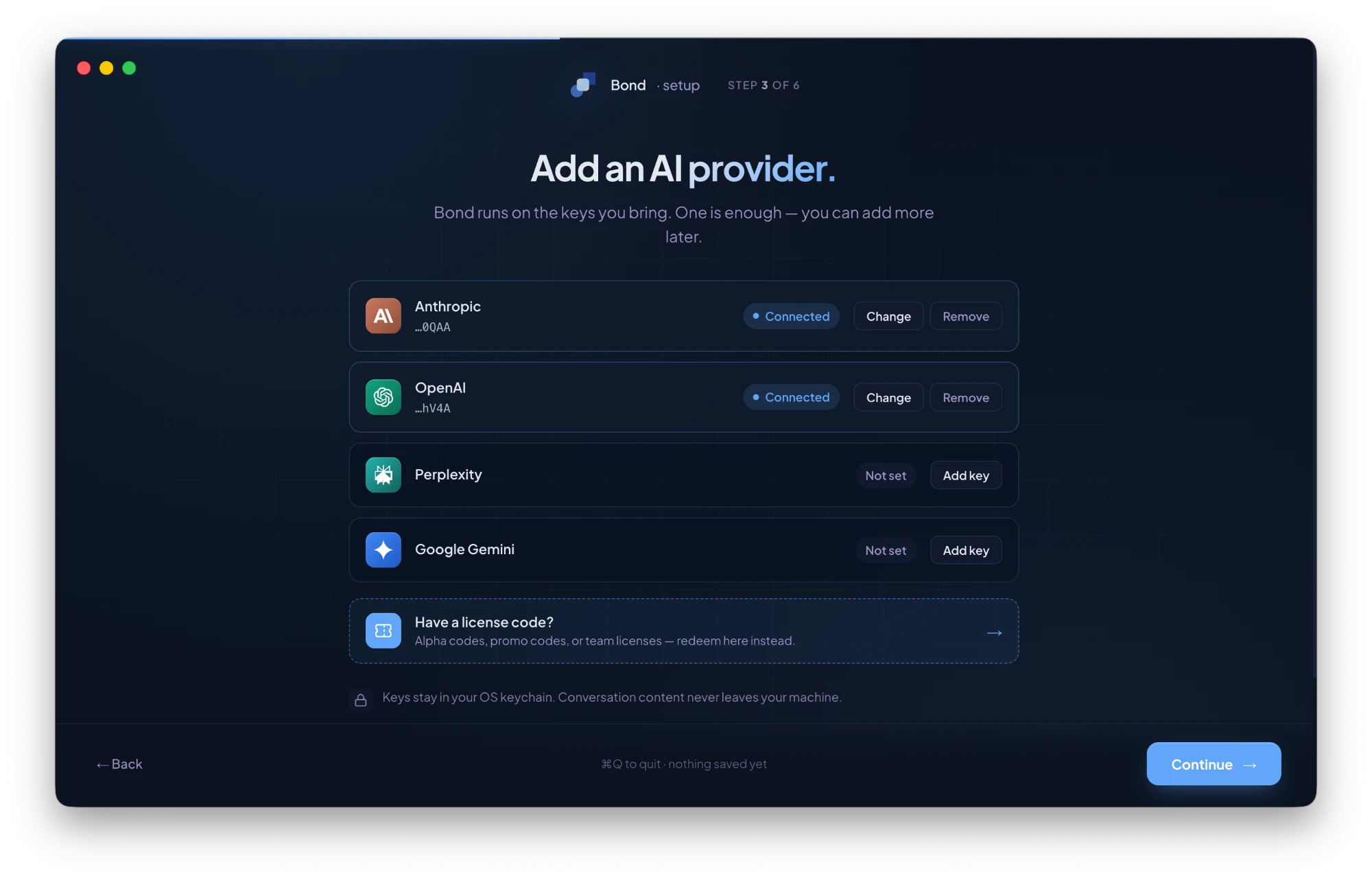
You'll need one API key from a supported provider — Anthropic, OpenAI, Perplexity, or Gemini — When you first open Bond.
No invite needed — you’re in.
Bond is free. No account, no credit card, no waitlist. Once it’s installed and you’ve added an API key from a provider you use — Anthropic, OpenAI, Gemini, or Perplexity — you’re running.
Your first 14 days include full Pro, every feature unlocked. After that Bond stays free on the Free tier (3 teammates, 50 memory items, 2 workspaces) — nothing is deleted, and you can upgrade anytime.
Ready for Pro?
Upgrade inside the app, or manage your plan at license.ai-bond.dev — your Pro license activates under Settings → License.
Getting ready
When you open Bond for the first time, you'll be walked through setup. By the end you'll have your workspace, your first teammates, and a short welcome from Yoram waiting in your Review Queue. Open it to watch.
Talk to your first teammate
Click any teammate on the Home screen or in the left nav to open a chat. They already know your project context (goals, constraints, who's on the team) So you can talk to them like you would a real specialist.
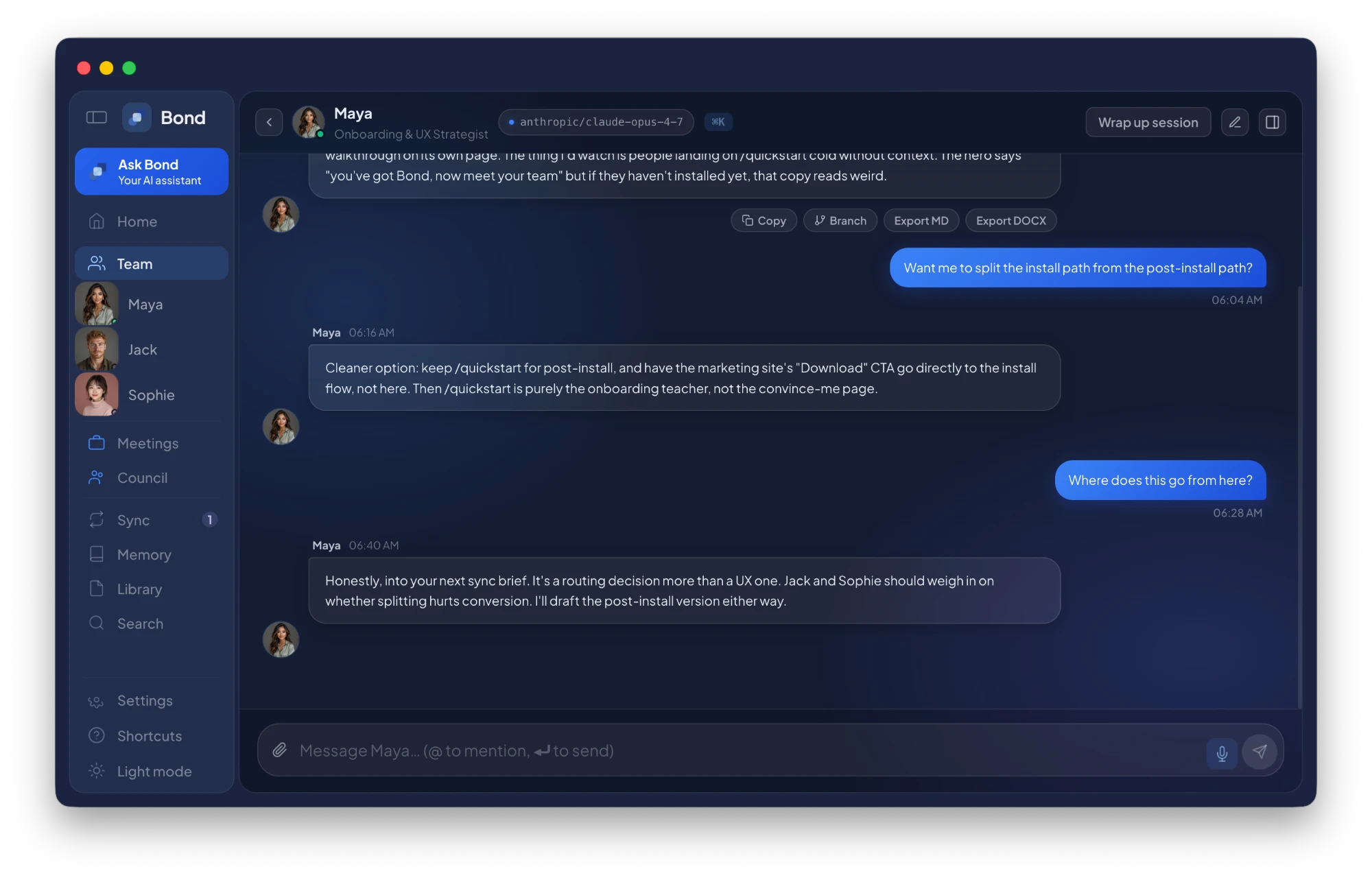
A few things to try first:
- Ask them to draft something in their area (a 1-pager, a research brief, a checklist).
- Ask them what they think is missing from the project context.
- Ask them what they'd want from the other teammates.
Anything important they learn becomes a candidate for shared memory the next time you run a sync.
Explore the app
Bond has six core surfaces. Click any card for a full explanation and walkthrough video.
Your command layer. Ask anything about your project. Bond answers, cites sources, routes you.
One-on-one conversations with each teammate.
Your project's shared brain. Goals, decisions, facts, glossary.
How teammates share progress, and where you approve what becomes shared memory.
Pin documents so teammates can reference them.
Bring two or more teammates into the same room.
Connect Claude Desktop, Cursor, Claude Code, Linear, GitHub, and other MCP-compatible tools.
Things to know
Next steps
Once you've found your way around, a few places to go from here.
Help
Stuck? Email support@ai-bond.dev.
Found a bug? Message Yoram on WhatsApp or email hello@ai-bond.dev. We read everything.
Discord and bug tracker coming soon. Bond is built by a small team.